Branded QR Codes for Open House Flyers: How to Add Your Logo to Every QR Code
Generic black-and-white QR codes work. Branded QR codes with your logo work and build recognition. Here's how to create them in seconds — and where to put them so every open house flyer, yard sign, and listing sheet reinforces your brand.

Jane Luo
Founder & CEO · Licensed NJ/NY Realtor
May 1, 2026
Why Plain QR Codes Are a Missed Branding Opportunity
Every open house generates printed materials — flyers on the kitchen counter, directional signs at the corner, listing sheets in the foyer. Most agents slap a generic QR code on these materials and call it done. The QR code works, but it does nothing for your brand.
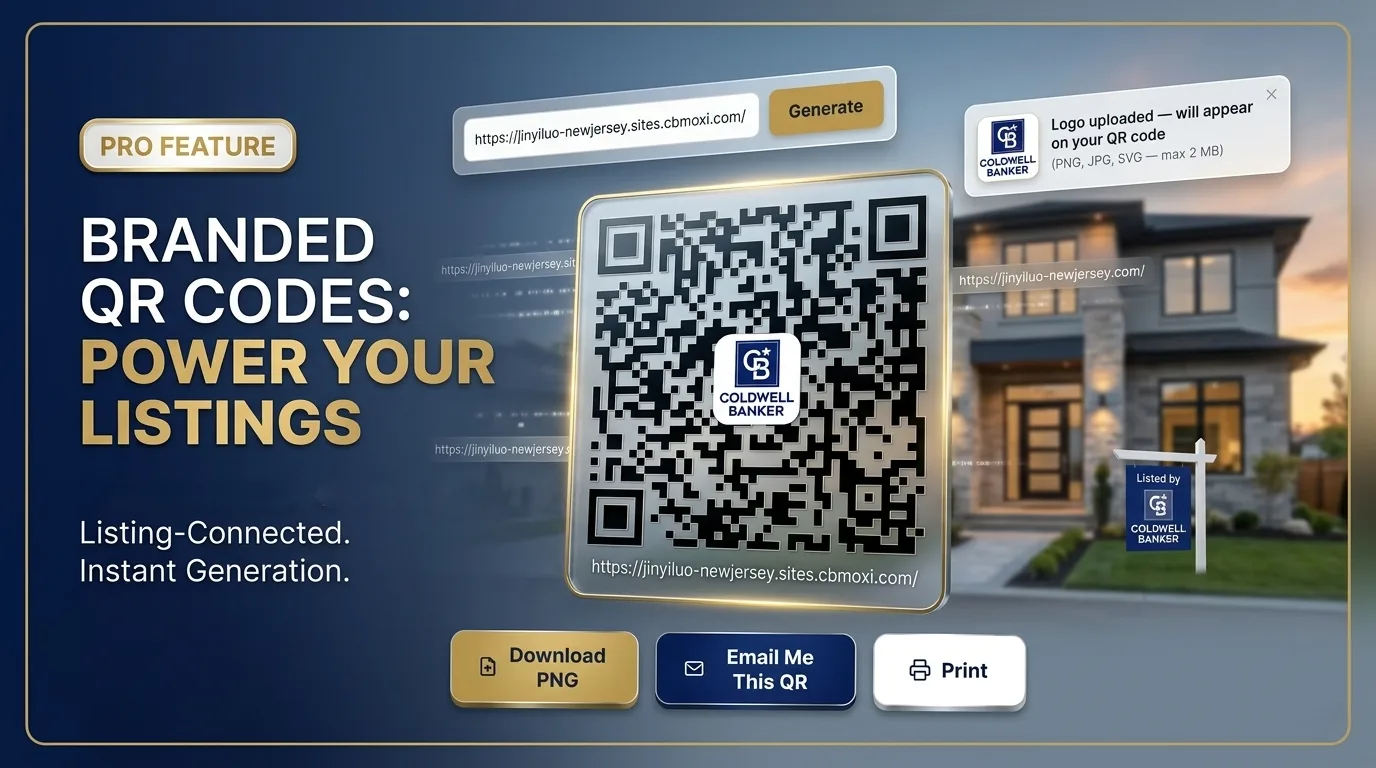
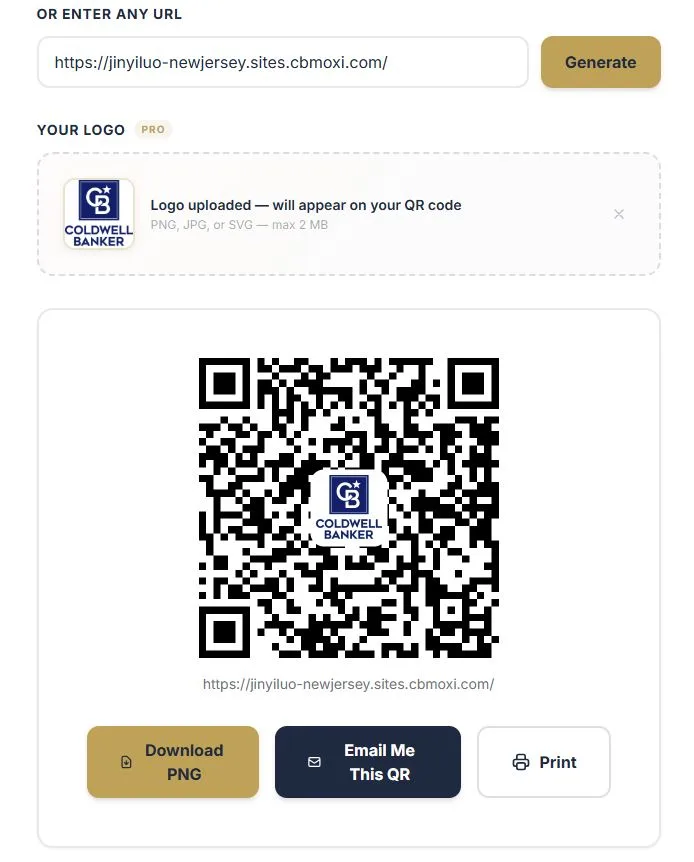
A branded QR code replaces the blank center of a standard QR code with your logo — your headshot, brokerage emblem, or personal brand mark. The result is a professional, recognizable code that tells prospects "this is my listing" before they even scan it.
According to research from the National Association of Realtors, 97% of homebuyers use the internet during their home search. QR codes bridge the gap between physical marketing and digital experiences — and branded ones do it while reinforcing who you are.
How QR Codes Work (And Why Logos Don't Break Them)
QR codes use a technology called Reed-Solomon error correction. This built-in redundancy means up to 30% of the code can be obscured — by dirt, damage, or a logo overlay — and it will still scan perfectly on any smartphone.
Open House App's QR code generator places your logo within this error-correction margin. Every branded QR code is tested to scan reliably on iOS and Android before you download it. No special apps needed — just a phone camera.
How to Create a Branded QR Code in 3 Steps
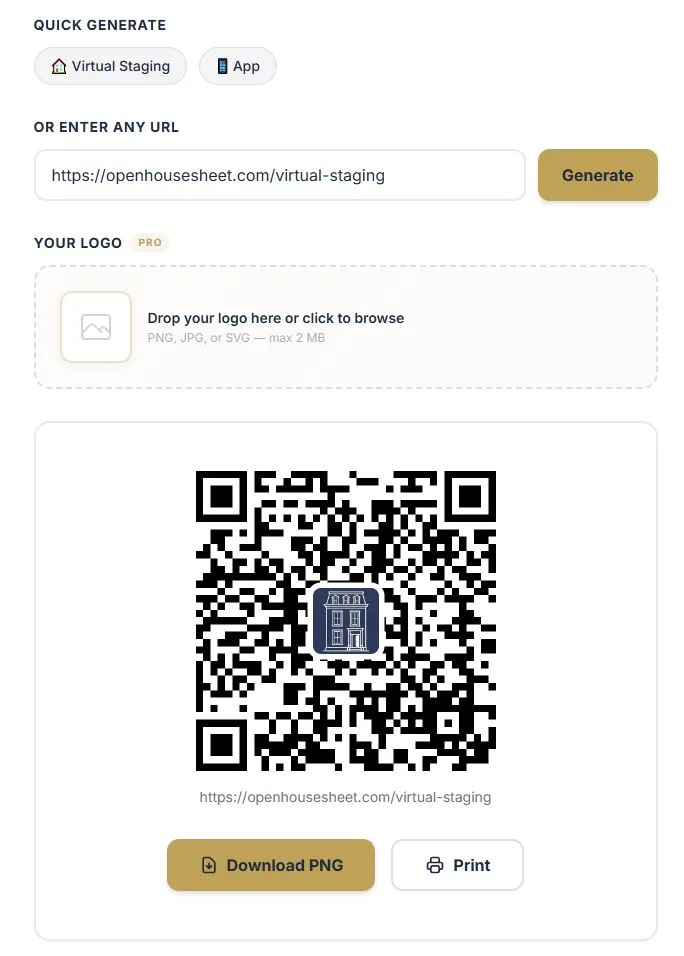
Creating a branded QR code with Open House App takes less than 30 seconds:
- Go to the QR Code Generator — enter any URL you want the code to link to. Use the Quick Generate buttons for your digital sign-in sheet or virtual staging page, or paste any listing URL.
- Upload your logo — drag and drop or click the "Your Logo" section to upload your brokerage logo, headshot, or personal brand mark. PNG, JPG, and SVG files are all supported. For best results, use a square image with a transparent or white background.
- Generate and download — click Generate to preview your branded QR code. The logo is automatically sized and centered. Download the high-resolution image, ready for print or digital use.
💡 Pro Tip
Link your QR code to your digital sign-in sheet instead of a static listing page. This way, every prospect who scans your flyer is captured as a lead — with clean, typed contact info ready for follow-up.
7 Places to Use Branded QR Codes at Your Next Open House
A branded QR code is only valuable if prospects see it. Here are the highest-impact placements:
- Open house flyers — the classic. Place the QR code linking to your digital sign-in sheet so visitors can register from their phone before they even walk in the door.
- Yard signs and directional signs — drive-by prospects can scan from the sidewalk. Link to the listing page or virtual staging gallery.
- Listing presentation packets — hand sellers a branded packet with QR codes linking to your portfolio, virtual staging examples, and client testimonials.
- Property brochures — replace long URLs with a clean branded code that links to the full photo gallery or 3D tour.
- Business cards — a branded QR code on the back of your card links directly to your digital sign-in sheet or personal landing page.
- Email signatures — add a small branded QR code image that links to your latest listing or open house schedule.
- Social media posts — share a photo of your branded QR code on Instagram or Facebook to promote an upcoming open house. Followers screenshot and scan.
Branded QR Codes vs. Plain QR Codes: What's the Difference?
| Feature | Plain QR Code | Branded QR Code |
|---|---|---|
| Scannable | ✅ Yes | ✅ Yes |
| Brand recognition | ❌ None | ✅ Logo visible |
| Professional appearance | Generic | Polished & custom |
| Trust signal | Low — "what is this?" | High — "I know this agent" |
| Cost on Open House App | Free | $5 one-time or unlimited with Pro |
Pricing: One-Time Download or Unlimited with Pro
Open House App gives you two ways to access branded QR codes:
- $5 one-time download — perfect if you need a branded QR code for a single listing or event. Pay once, download your branded QR code, and use it forever.
- Pro plan ($29/month) — unlimited branded QR code downloads, plus 30 AI virtual stagings, 60 AI-powered visitor insights, and priority support. Ideal for agents running multiple open houses per month. Learn more about Pro →
Plain QR codes (without a logo) are always free — no account required.
Best Practices for QR Code Design on Print Materials
- Size matters — print QR codes at least 1 inch × 1 inch (2.5 cm). For yard signs viewed from a distance, go 3–4 inches minimum.
- Contrast is critical — use a dark QR code on a light background. Avoid placing codes over busy photos or patterns.
- Add a call-to-action — don't just print the QR code alone. Add text like "Scan to Sign In" or "Scan for Photos" so people know what they'll get.
- Test before printing — scan your QR code from your phone before sending anything to the printer. Test at the size it will be printed.
- Use a square logo — rectangular logos get cropped in the circular overlay. If your logo is wide, use your icon or initials instead.
How Branded QR Codes Fit into Your Open House Workflow
The most effective agents use branded QR codes as part of a connected open house system:
- Before the open house — print branded QR codes on flyers and directional signs linking to your digital sign-in sheet.
- During the open house — display a branded QR code at the entrance so visitors can sign in from their phone. No clipboard needed.
- After the open house — your leads are already in the system with clean data. Export to your CRM and follow up the same day.
Pair this with AI virtual staging — generate a branded QR code linking to staged photos of the property so buyers can see the space's potential from the sidewalk.
Create Your Branded QR Code Now
Free QR codes for any URL. Add your logo for $5 or go Pro for unlimited.
Open QR Code GeneratorFrequently Asked Questions
What is a branded QR code for real estate?
A branded QR code is a scannable QR code with your real estate logo or brokerage emblem overlaid in the center. It functions identically to a plain QR code but reinforces your brand on flyers, yard signs, and listing sheets so prospects instantly recognize your materials.
How much does a branded QR code cost?
You can generate a single branded QR code for a one-time $5 download fee. Pro plan subscribers ($29/month) get unlimited branded QR code downloads included, along with 30 AI virtual stagings and 60 AI insights per month.
Do branded QR codes still scan reliably?
Yes. QR codes use Reed-Solomon error correction that allows up to 30% of the code to be obscured and still scan perfectly. The logo overlay is placed within this error-correction margin, so every branded QR code scans just as reliably as a plain one.
Where should I use branded QR codes for open houses?
The most effective placements include open house flyers and door hangers, yard signs, listing presentation packets, business cards, property brochures, email signatures, and social media posts linking to your digital sign-in sheet or virtual staging gallery.
Can I use any image as my QR code logo?
Yes. The tool accepts PNG, JPG, and SVG files. For best results, use a square logo with a transparent or white background. Your brokerage logo, headshot, or personal brand mark all work well.