Your open house ends at 4:00. The race for that buyer starts at 4:01.
Quick answer
Send a thank-you to every visitor the same day, matched to whether they have an agent. Open House App Pro can send it for you: when you end the open house, visitors without an agent (or who didn't say) get one thank-you email and visitors with an agent get another. Then follow up with buyers who don't have an agent around day 3, 5 and 7 with something useful, such as neighborhood insights, similar homes or a listing update, not "just checking in."
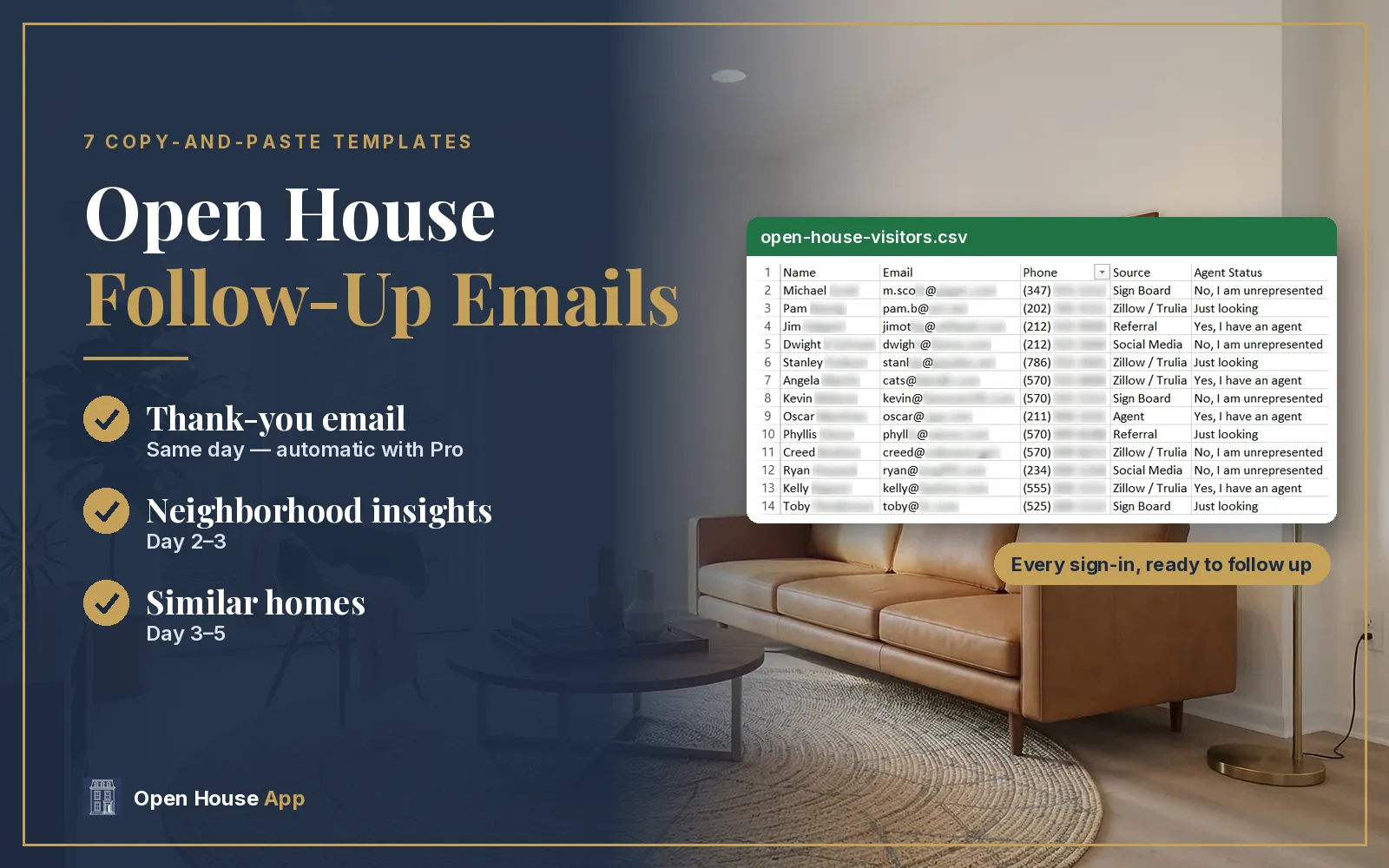
Most open house leads go cold for one reason: the follow-up is late, generic or never sent. The fix is a short system: sort visitors by whether they have an agent, send the right thank-you the same day, and add one or two useful touches after that. Below are seven templates you can copy. The first two are the same thank-you emails Open House App Pro sends automatically.
Start with clean data. Templates only work if you can read the email address. A digital sign-in sheet lets visitors type their own details and answer "Are you working with an agent?", so you can sort them before you write a word.
Pro · 7-day free trial
Send your thank-you emails automatically
Turn it on once. When you end the open house, each visitor gets the right thank-you, and replies come to you. Forget to end it? It goes out the next morning.
When should you send open house follow-up emails?
| When | Who | What to send |
|---|---|---|
| Same day (when the open house ends) | Visitors without an agent, or who didn't say | Thank-you, Template 1 (automatic with Pro) |
| Same day (when the open house ends) | Visitors who have an agent | Thank-you, Template 2 (automatic with Pro) |
| Same day | Your seller | Open house feedback report (Template 7) |
| Day 2–3 | Buyers without an agent | Neighborhood insights (Template 3) |
| Day 3–5 | Buyers without an agent who replied | Similar homes (Template 6) |
| Day 7 | Engaged visitors | Listing update: offers, price change or new photos (Template 5) |
| Any time that week | Neighbors | Home value offer (Template 4) |
This schedule is a starting point, not a rule. Stop the sequence as soon as someone replies, and always include an easy way to opt out.
Can you send open house thank-you emails automatically?
Yes, on Open House App Pro and Elite. When you set up your open house, turn on Auto-send a thank-you email when the open house ends. Here is how it works:
- It sends when you tap End Open House. Forgot? You get a reminder 3 hours after the last sign-in, and the emails go out automatically the next morning around 9 AM in the property's time zone.
- If your sign-in asks Communication Preferences, only visitors who choose Email get it. If you turn that question off, every visitor who signs in gets it.
- Visitors who say they have an agent get the "has an agent" email (Template 2). Everyone else, including visitors who were never asked, gets Template 1.
- Each visitor gets it once, replies go to your email, and every email includes an unsubscribe link.
- You can edit both emails. Use {first_name}, {address}, {visit_day}, {agent_name}, {agent_phone} and {agent_email}, and they fill in automatically. {visit_day} becomes “today” when you end the open house, “yesterday” if the email goes out the next morning, or the day they visited (like “on Saturday”).
Templates 1 and 2 below are the default emails, shown with those placeholders so you can paste them straight into your settings or your own email.
Template 1: Thank-you for visitors without an agent (or who didn't say)
Subject: Thanks for visiting {address}!
Hi {first_name},
Thank you so much for stopping by the open house at {address} {visit_day}. It was great meeting you!
If you're not already working with a real estate agent, I'd love to help you navigate the local market. Are you focused on this neighborhood, or open to exploring other nearby options?
Just reply to this email with any questions about the home.
Best regards,
{agent_name}
{agent_phone}
To make it more personal, add one line about something they liked, such as the kitchen light or the commute, before you send it.
Template 2: Thank-you for visitors who have an agent
Be helpful about this home and leave the relationship alone. Do not offer to represent them or show them other homes.
Subject: Thank you for touring {address}!
Hi {first_name},
Thanks for dropping by {address} {visit_day}! I hope the layout and features stood out to you.
Please feel free to share this home with your agent. If you or your agent have any follow-up questions, don't hesitate to reach out.
Best,
{agent_name}
{agent_phone}
Template 3: Neighborhood insights (day 2–3, buyers without an agent)
Your second email should give them something useful. Lead with local details, then make one clear offer.
Subject: A few things to know about the area around [Property Address]
Hi [First Name],
I know the neighborhood matters as much as the home, so I put together a few local details about [Property Address]: it's about [distance] from [transit/amenity], close to [dining/shopping], and [school information from a public source].
If you'd like help finding similar homes, I'm happy to send a few. Are you focused on [Neighborhood/City], or open to nearby areas?
Best regards,
[Your Name]
[Your Title] | [Your Brokerage]
[Phone]
Tip: AI Location Insights generates these neighborhood talking points from the listing address, so the email takes a minute to personalize.
Template 4: Neighbor or "just looking" visitor
Neighbors often come to see what the home looks like because they are thinking about selling. Offer a reason to talk.
Subject: Curious what your home would sell for?
Hi [First Name],
Thanks for stopping by [Property Address] today. It was nice to meet a neighbor.
If you've ever wondered what your own home might be worth in today's market, I'd be glad to put together a free, no-obligation comparative market analysis.
Just reply with a good time, and I'll send it over.
Best,
[Your Name]
[Your Title] | [Your Brokerage]
[Phone]
Template 5: Listing update (price change, offers or new photos)
Subject: Update on [Property Address]
Hi [First Name],
You visited [Property Address] last weekend, so I wanted you to hear this first: [the price is now $X / the sellers are reviewing offers on (date) / we added new photos of (room)].
If you'd like a second look before then, reply and I'll arrange it.
Best,
[Your Name]
[Phone]
For a buyer who has an agent, send updates through their agent, or keep it to public listing information.
Template 6: Similar homes (day 3–5, buyers without an agent)
Subject: 3 homes like [Property Address]
Hi [First Name],
You mentioned you liked [feature] at [Property Address]. Here are three homes with something similar:
1. [Address], [price], [one-line reason]
2. [Address], [price], [one-line reason]
3. [Address], [price], [one-line reason]
Want to see any of them this week?
[Your Name]
[Phone]
If they say yes, that is the point where you are starting to work with the buyer. Under the rules since August 2024, you need a written buyer agreement before touring other homes with them. See our guide to buyer agreements at open houses.
Template 7: Feedback report to your seller
Subject: Open house recap: [Property Address]
Hi [Seller Name],
Here's a quick recap of today's open house:
• Visitors: [number] groups
• Working with an agent: [number] / Not yet: [number]
• What people liked: [top 2–3 comments]
• Concerns we heard: [price, condition, layout]
• Next steps: [follow-ups sent, second showings requested]
I'll update you as follow-ups come in.
Best,
[Your Name]
What makes an open house follow-up email work?
- Speed. Send it the same day while they still remember you and the home.
- One personal detail. Mention something they said or liked. Notes on your sign-in make this easy.
- One clear next step. A question they can answer in one line beats three links.
- Describe the home, not the people. Keep fair housing in mind: talk about features and amenities, not who the home or neighborhood is "perfect for."
- Respect representation. If a visitor has an agent, don't offer to represent them.
Clean data in, better follow-up out
Capture readable emails at every open house
Visitors type their own details. Export by CSV, or send contacts to your phone with the iOS app.
Keep reading

About the author
Jane Luo is the founder of Open House App. She is a licensed NJ & NY realtor at Coldwell Banker Realty (NJ Circle of Excellence Award recipient), a senior data scientist, and a Google Cloud Certified Generative AI Leader. She builds the tools she uses at her own open houses.
Frequently Asked Questions
How soon should you follow up after an open house?
The same day. Send a thank-you when the open house ends, matched to whether the visitor has an agent, then follow up with buyers who don't have an agent over the next week.
Can Open House App send thank-you emails automatically?
Yes, on Pro and Elite. Turn on the automatic thank-you email when you set up the open house. It goes out when you tap End Open House, or automatically the next morning around 9 AM if you forget. Visitors who have an agent get a different version, you can edit both emails, and replies go to your email.
What should an open house follow-up email say?
Thank them for visiting, mention one detail from your conversation, share the listing details, and give one clear next step. For buyers without an agent, offer help and similar homes; for buyers with an agent, point them back to their agent.
Can I follow up with an open house visitor who has an agent?
Yes, with information about the home you are hosting, such as the flyer or a listing update. Do not offer to represent them or show them other homes; direct further questions to their agent.
How many times should you follow up with open house leads?
A same-day thank-you, then two or three useful touches over about two weeks (for example day 3, day 7 and day 14). Stop as soon as they reply or ask you to stop.
What is the best way to collect emails at an open house?
Use a digital sign-in where visitors type their own details. It avoids illegible handwriting and lets you ask whether they are working with an agent.