You searched for a Word or Google Docs sign-in sheet because you want to change something: the title, a column, the number of rows. Here's a free Word file you can edit right away, how to open it in Google Docs, and the fixes for the two things that always go wrong: tables that shift and sheets that spill onto a second page.
Quick answer
Download Open House App's free sign-in sheet template for Word (.docx): 20 numbered rows for Name, Phone and Email with Date and Event lines, on US Letter paper, no signup. To use it in Google Docs, upload it to Google Drive and open it with Google Docs. If you'd rather not edit a document at all, the editable sign-in sheet template changes the title and rows in your browser.
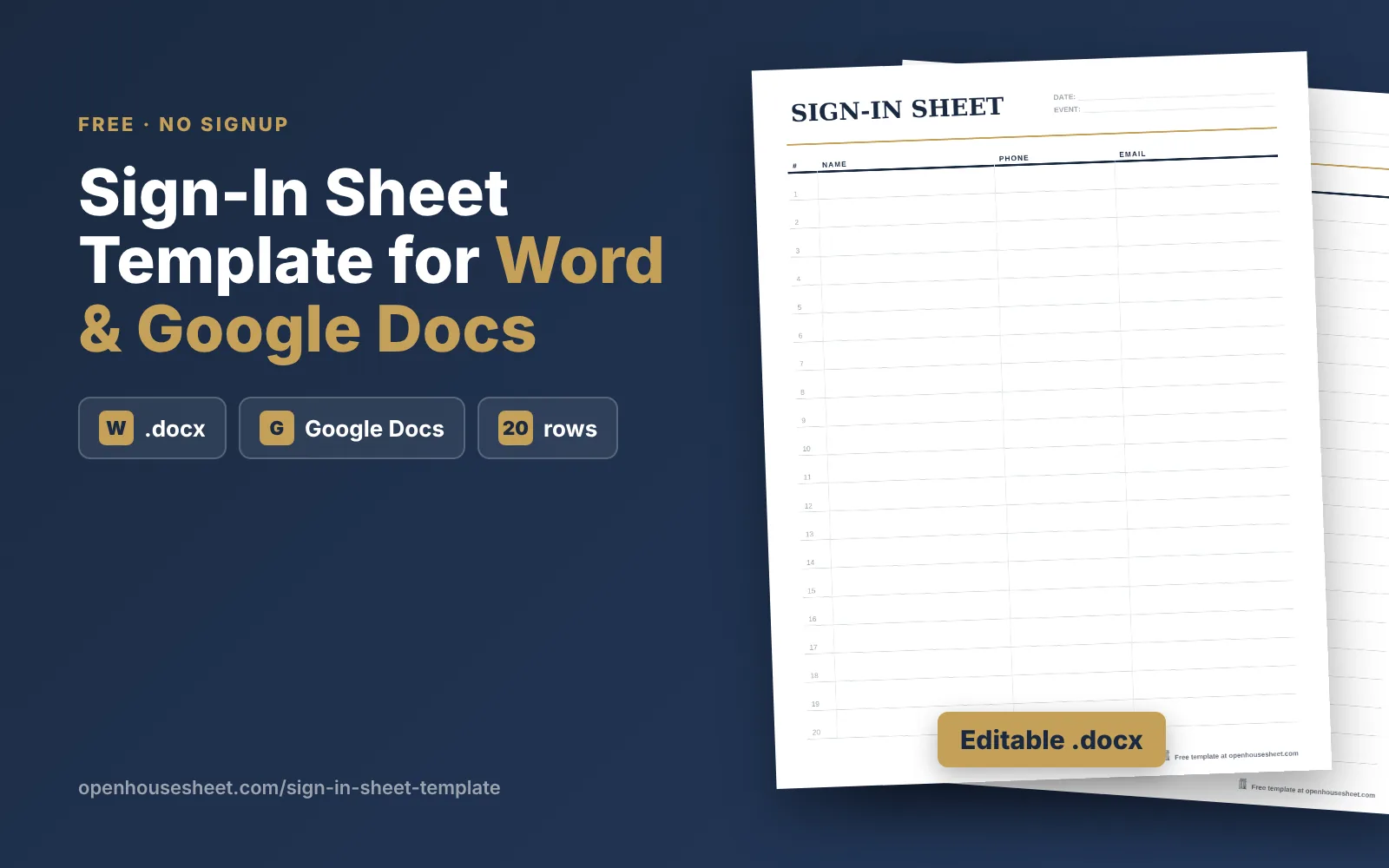
Free · Word .docx · Works in Google Docs
Download the Word sign-in sheet
20 numbered rows, Name, Phone and Email, US Letter. Prefer a PDF? Get the PDF.
How to use the sign-in sheet in Microsoft Word
- Download the Word file and open it. If Word shows "Protected View", click Enable Editing.
- Change the title. Click "SIGN-IN SHEET" and type your own, like "Staff Meeting Sign-In".
- Rename a column by clicking its header (Name, Phone, Email) and typing over it.
- Print on US Letter at 100% scale. Choose File › Print and check the preview shows one page.
How to use the sign-in sheet in Google Docs
Google Docs opens Word files directly, so you don't need a separate Google Docs template.
- Download the .docx file to your computer.
- In Google Drive, click New › File upload and choose the file.
- Open it, then choose Open with › Google Docs. You can also start in Google Docs with File › Open › Upload.
- Edit the title and columns, then File › Print. Check the preview: Google Docs can swap fonts, which may push the last row onto a second page (fix below).
How to make a sign-in sheet in Google Docs from scratch
If you'd rather build your own:
- Open a blank document and type your title at the top, with "Date: ____" and "Event: ____" lines under it.
- Choose Insert › Table and pick 4 columns × 21 rows: one header row plus 20 sign-in rows.
- Type #, Name, Phone, Email in the header row and number the first column 1 to 20.
- Make the rows taller so handwriting fits: right-click the table, choose Table properties and set a minimum row height of about 0.4 in.
- Drag the column borders so Name and Email are the widest.
The same steps work in Word with Insert › Table and Table Properties › Row.
How to add or change columns
Right-click a column and choose Insert column right (Google Docs) or Insert › Insert Columns to the Right (Word). Name it, like "Time In" or "Signature".
Keep it to three or four columns on a portrait page. Every extra column makes every box narrower, and narrow boxes mean unreadable phone numbers. For column ideas by event type, see sign-in sheet templates by type.
How to add more rows (and keep it on one page)
- One more row: click in the last cell and press Tab.
- A second page: print more copies instead. A sheet that's 20 rows on one page is easier to hand around than one long table.
- Spilling onto page 2? Lower the row height a little, or set the margins to 0.5 in. Don't shrink the text: people still have to read the column names.
Numbering a big event across pages (1 to 125 with "Page 1 of 7") takes a lot of manual work in a document. The editable template does it automatically for up to 500 rows as part of the one-time $5 unlock.
How to add your logo
In Word, choose Insert › Pictures. In Google Docs, choose Insert › Image. Place it next to the title and set it to "In front of text" or "Wrap text" so the table doesn't move. A transparent PNG with a dark version of your logo prints best. Prefer not to fiddle with layout? Here's how to make a sign-in sheet with your logo in the editable template.
Word, Google Docs, PDF or the editable template?
| Option | Best when | Watch out for |
|---|---|---|
| Word (.docx) | You want to edit text and columns yourself | Tables can shift; check print preview |
| Google Docs (upload the .docx) | You work in Google Drive or share with a team | Fonts may change; check it still fits one page |
| You just need to print, today | Fixed columns: Name, Phone, Email | |
| Editable template | Your title, rows, logo and numbered pages without editing a document | Logo, columns and numbered pages are $5 one-time |
Key takeaways
- The free Word file has 20 numbered rows for Name, Phone and Email, plus Date and Event lines.
- For Google Docs, upload the .docx to Drive and open it with Google Docs. No separate template needed.
- Keep 3–4 columns and check print preview shows one page.
- For logos and numbered multi-page sets, the editable template is faster than editing a document.
Free · No signup · Word & Google Docs
Get your sign-in sheet
20 numbered rows on US Letter. Edit it in Word or Google Docs, or print the PDF as is.
Keep reading

About the author
Jane Luo is the founder of Open House App. She is a licensed NJ & NY realtor at Coldwell Banker Realty (NJ Circle of Excellence Award recipient), a senior data scientist, and a Google Cloud Certified Generative AI Leader. She built Open House App after ten visitors signed her paper sheet at one open house and only two phone numbers worked. More about Jane →
Frequently Asked Questions
Is there a free sign-in sheet template for Word?
Yes. Open House App's Word (.docx) sign-in sheet is free with no signup. It has 20 numbered rows for Name, Phone and Email, Date and Event lines, and fits on one US Letter page.
How do I make a sign-in sheet in Google Docs?
Insert a table with 4 columns and 21 rows, type #, Name, Phone and Email in the first row, number the rows 1 to 20, and set a minimum row height of about 0.4 in under Table properties. Or upload a ready Word template and open it with Google Docs.
How do I open a Word sign-in sheet in Google Docs?
In Google Drive, click New, then File upload, and choose the .docx file. Open it and choose Open with Google Docs. You can also use File, Open, Upload inside Google Docs.
How do I add more rows to a sign-in sheet in Word?
Click in the last cell of the table and press Tab to add a row. To keep the sheet on one page, print extra copies instead of making one long table.
Why does my sign-in sheet print on two pages?
Usually the rows or margins are slightly too big for the page, or Google Docs swapped a font. Lower the row height a little or set margins to 0.5 in, and print at 100% scale on the right paper size.
Can I add my logo to a Word sign-in sheet?
Yes. Use Insert, Pictures in Word or Insert, Image in Google Docs, and place it next to the title. The editable template adds your logo automatically as part of a one-time $5 unlock.
Is there an Excel or Google Sheets sign-in sheet?
We offer Word and PDF versions, which print more cleanly than a spreadsheet. A spreadsheet is handy for typing the names in afterward, but gridlines and page breaks need setting up before you print.
Can I number sign-in sheets across several pages in Word?
You can, but you have to renumber each page by hand. The editable template numbers up to 500 rows straight through, with "Page X of Y" on each page.